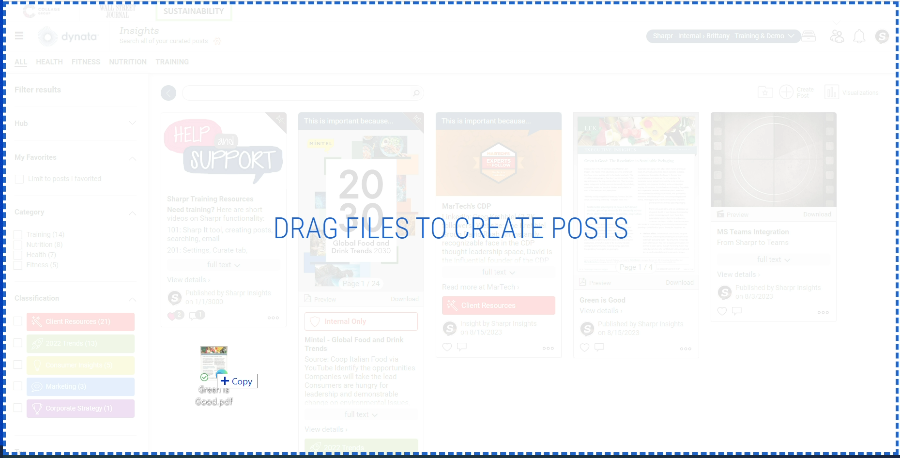
If this functionality is enabled in your hub, you can add a document by simply dragging and dropping it onto the home (Insights) page.
Once Sharpr has processed the document, the post will appear automatically. When using drag and drop, your post will not be categorized or tagged – you will need to edit the post to assign organization.