Overview
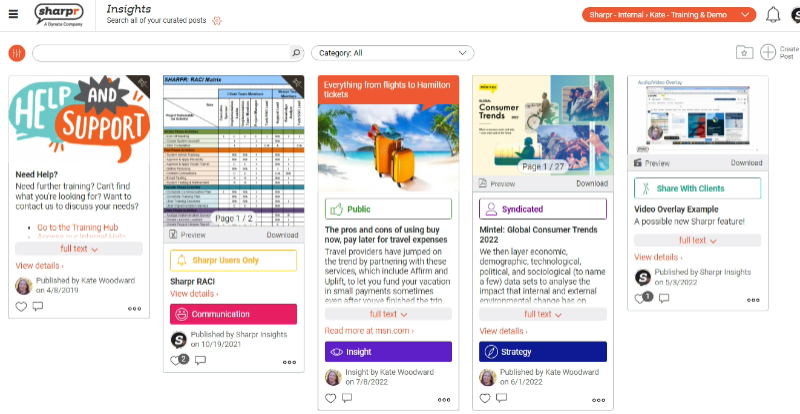
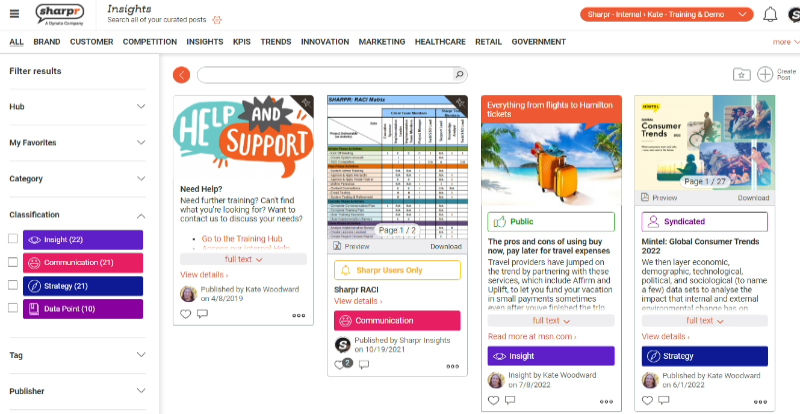
Sharpr is search based, but your account may also have hubs, categories, classifications, tags and additional filters set up to make it easier to find the content you need.
-
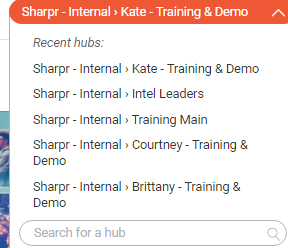
Hubs: Like another account or page. You can switch hubs via the drop-down in the upper right-hand corner. You may have access to multiple hubs or only one hub (in which case, you will not see the drop-down). You can filter by multiple hubs via the fine tuner.
-
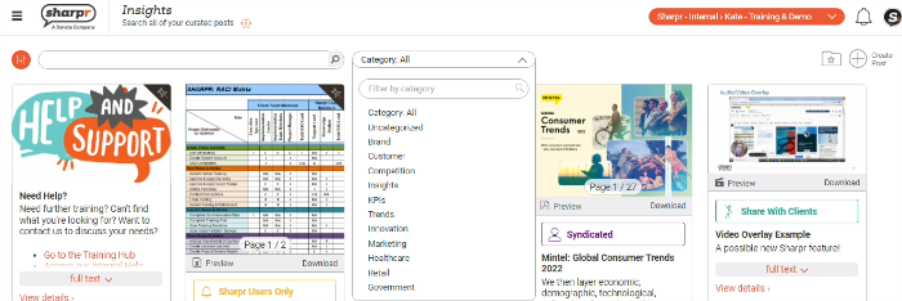
Categories: Shown horizontally or via a drop down at the top of the page. Only one category can be applied to a post.
Shown horizontally:

Shown as drop-down:
-
Classifications: Visual markers on posts. You can filter classifications via the fine tuner. Only one classification can be added to a post.
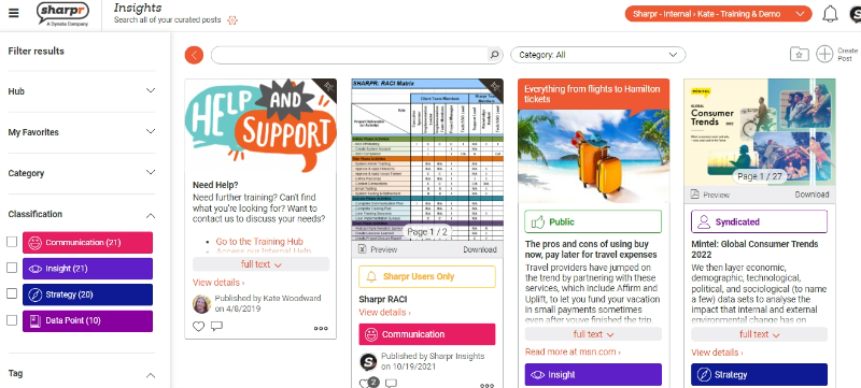
-
Tags: Additional organization for a post. You can filter by tags via the fine tuner. Multiple tags can be added to a post.
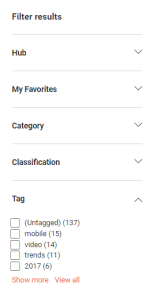
-
Taxonomies/ additional filters: These may have another name in your account and are fully custom. You can filter via the fine tuner.
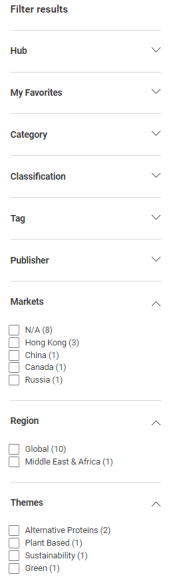
When viewed altogether, your hub may look like this: