Note: Some clients may use an alternative label for the bookmarklet in their hub.
- Add articles to Sharpr using Sharp It by following the install link (e.g. Install Sharp It). See Installing Sharp It.
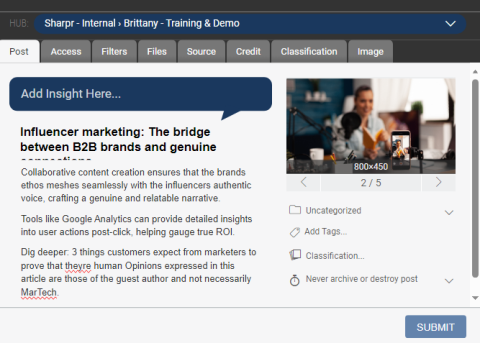
- Once the tool is installed in your browser, you can add online articles to Sharpr by clicking Sharp It on your bookmarks bar. The create-post interface will open and Sharpr will auto-generate the title, summary, and post image. You can edit any of these fields and apply post hierarchy (category, classification, tags, etc.) before submitting to the hub shown at the top.