The fine tuner allows you to access the filtered search, enabling you to enhance and narrow down your search results.
Fine Tuner
Click on the fine tuner icon to open the filtered search.

Here, you can refine your search using various filters such as category, classification, tags, publisher, and other filters such as document family or geography.
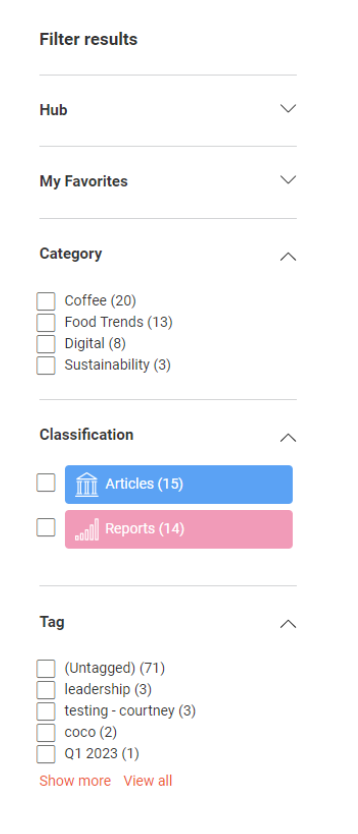
Note: You can collapse the filtered search by clicking on the arrow icon.

Using the filtered search with keywords
Utilize the fine tuner in conjunction with keyword search terms to pinpoint your desired results.
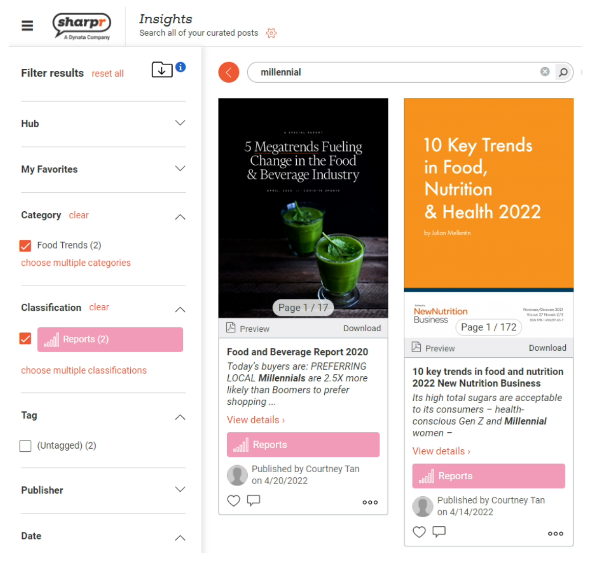
In this example, we have searched millennial and applied the category Food Trends and the classification Reports.
Clear filters
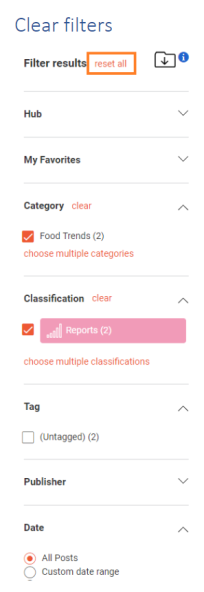
To clear the search, you can click reset all. Otherwise, click clear next to each individual filter to remove that specific selection from your search.
Other Tips
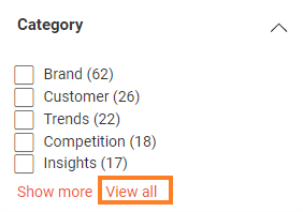
To access all the options within a filter, you may need to click View all. This will display a comprehensive list of all available choices
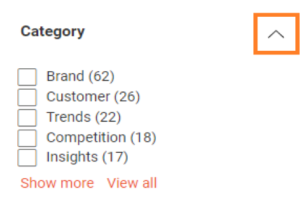
To collapse or expand a filter, click on the arrow icon. This allows you to hide or show the contents of the filter as needed.