When you log into Sharpr you can immediately start to interact with content. View document pages or slides by using the arrows on the post. Click preview to view full screen. Click on an image or link to read the full article. Get to the content and answers you need, fast!
Document Preview:
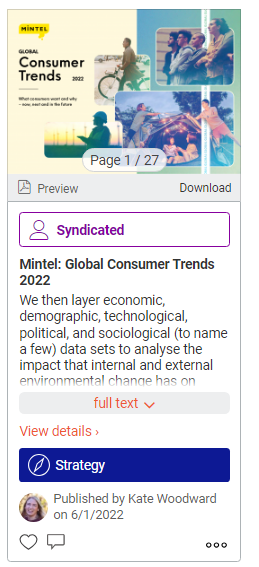
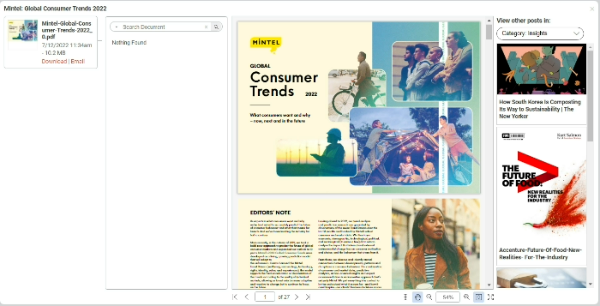
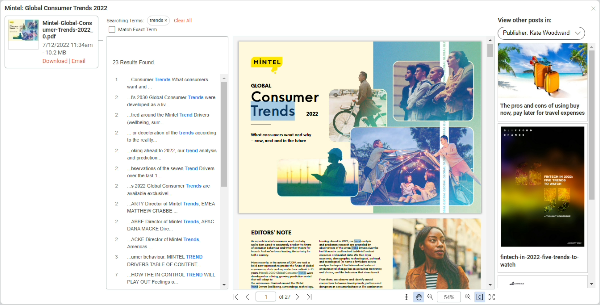
After text searching, matching results will show in the preview and you can skip to that section by clicking on the highlighted matching word:
Favorites and comments:
Interact with posts by favoriting and commenting. Some accounts will include private comment options.
You can filter by your favorites in the fine tuner.